
- Login to your website. Hover over CMS Tools (top left) and click Add Object To This Page.

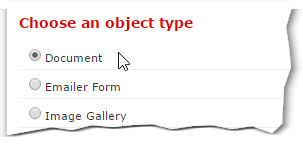
- Choose an object type. Document is selected by default. Press OK to continue.
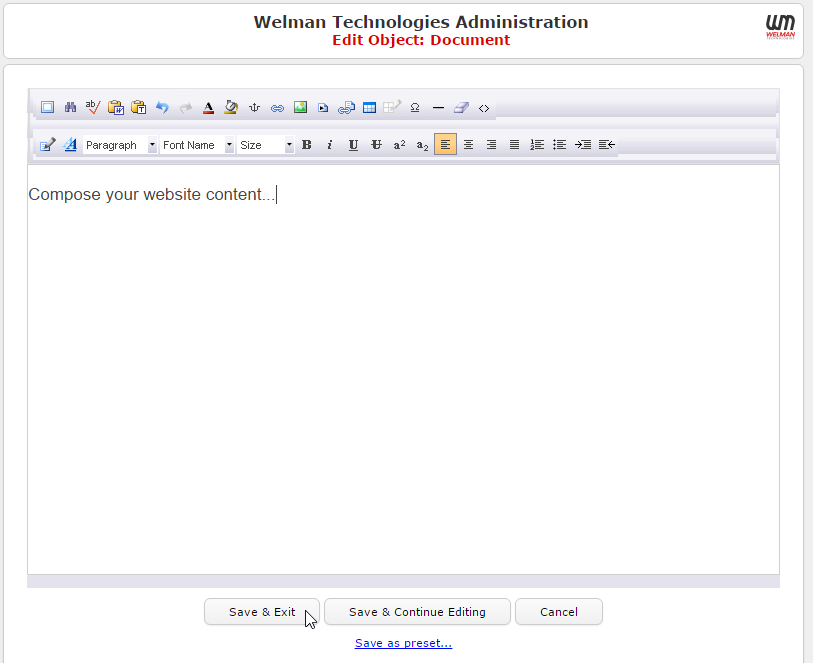
- Enter your new content in the editor as you would a normal word processor. Press the Save and Exit button when you are finished.
- You will now see your document properties. You can name your object if you like. Press the Done button to return to your website.

0 Comments